What is hacking?

Who is a Hacker?
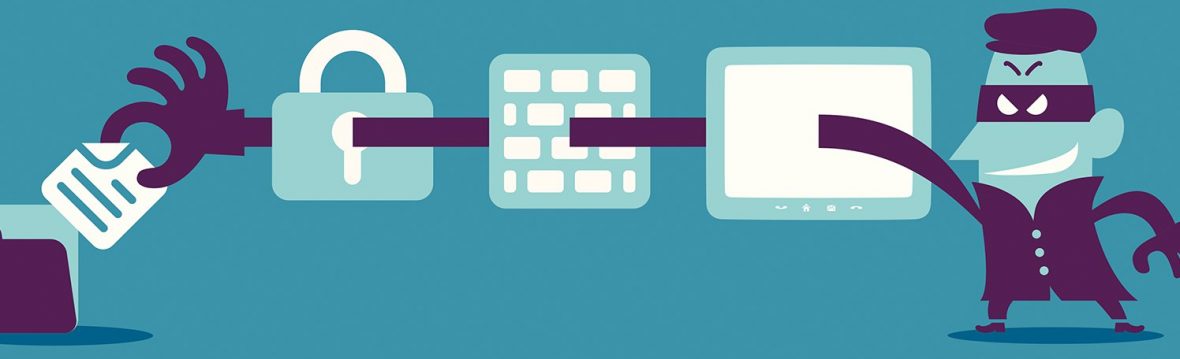
A Hacker is a person who finds and exploits the weakness in computer systems and/or networks to gain access. Hackers are usually skilled computer programmers with knowledge of computer security.
Hackers are classified according to the intent of their actions. The following list classifies hackers according to their intent:

Ethical Hacker (White hat): A hacker who gains access to systems with a view to fix the identified weaknesses. They may also perform penetration Testing and vulnerability assessments.

Cracker (Black hat): A hacker who gains unauthorized access to computer systems for personal gain. The intent is usually to steal corporate data, violate privacy rights, transfer funds from bank accounts etc.

Grey hat: A hacker who is in between ethical and black hat hackers. He/she breaks into computer systems without authority with a view to identify weaknesses and reveal them to the system owner.

Script kiddies: A non-skilled person who gains access to computer systems using already made tools.

Hacktivist: A hacker who use hacking to send social, religious, and political, etc. messages. This is usually done by hijacking websites and leaving the message on the hijacked website

Phreaker: A hacker who identifies and exploits weaknesses in telephones instead of computers.
How to Prevent Hacking?

-
Install antivirus software
Antivirus software it will give you a strong line of defense against malware, phishing schemes and other threats from the internet or from USB devices.
2. Scan all email attachments
it’s best to scan it with your antivirus software.
-
Put a PIN, passcode or pattern lock on your phone
Lock your phone’s screen — a six-digit PIN is better than a four-digit PIN, and an alphanumeric password is better than either. -
Protect your PIN and Credit Card data
Use a protected app to store PIN numbers and credit cards, or better yet, don’t store them in your phone at all. -
Beware of public WiFi
There are simple ways to prevent data loss via public WiFi. Check it’s legitimate: It’s easy for hackers to set up a fake WiFi network that looks like an official one. -
Forget the network
Once you have finished browsing on a WiFi, log off all services you were using and then ask the device to forget the network so it doesn’t automatically join next time you’re in range. -
Turn off your WiFi
Make sure you disable WiFi when you’re not using it. This prevents your device joining any rough networks automatically without you noticing.
Importance of an Anti-hacking Software

Anti-hacking software is also known as a computer antivirus software, which is a must have for every PC. Anti-hacking software protects a PC from hacking attacks by detecting and removing the virus, spyware, and other malware intrusions.
The antivirus software must be kept updated with the latest virus signature so that any types of new threats can be detected. REVE Antivirus software is ideal for internet users as it protects your computer’s data from hackers.

 Anti Hacking